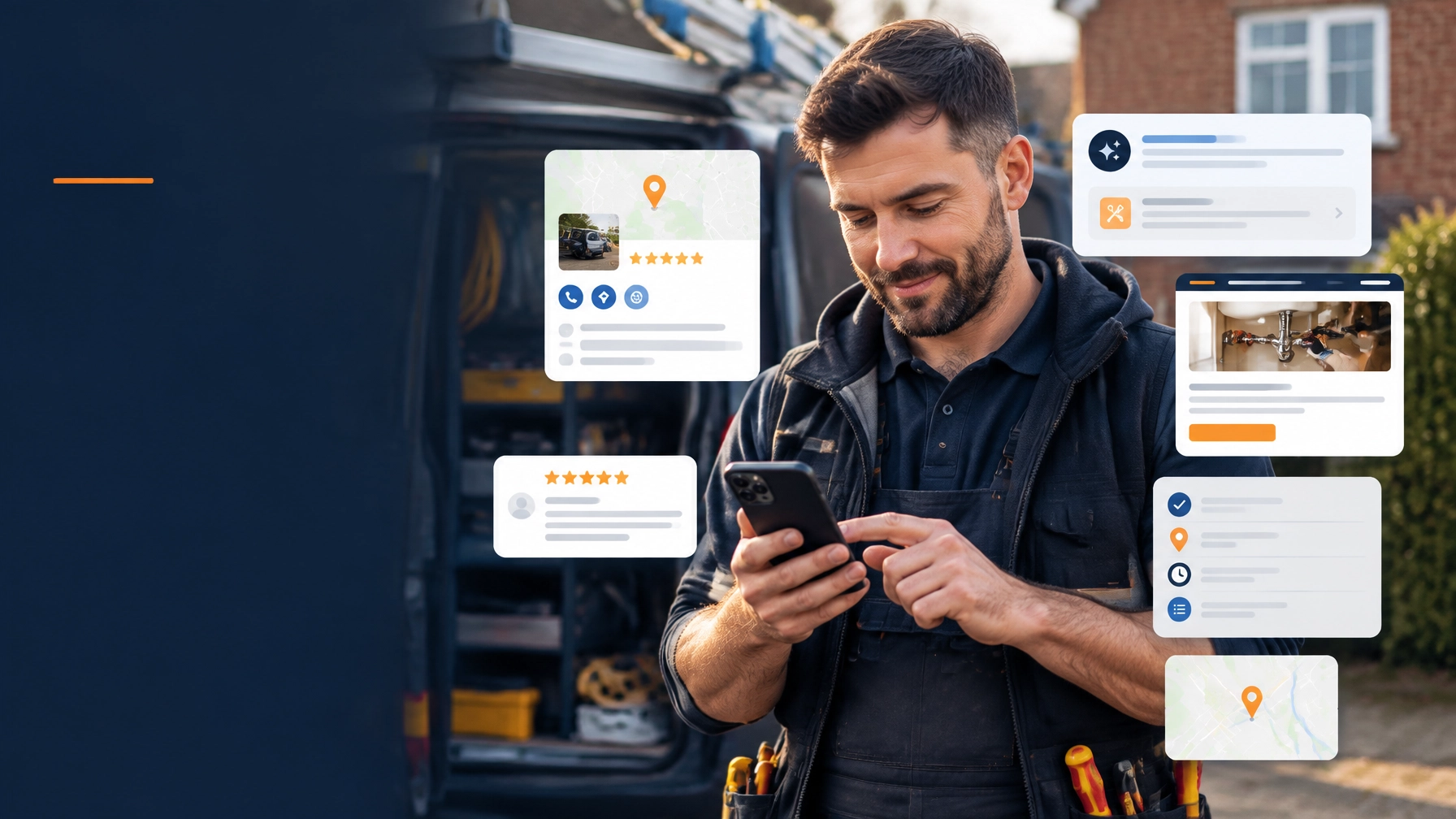
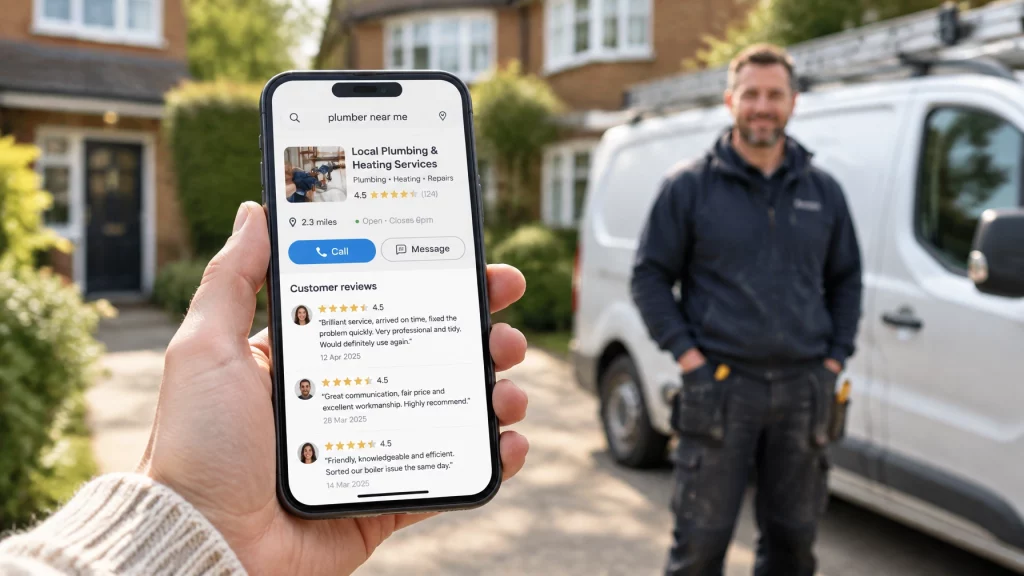
A homeowner needs a roofer, plumber or electrician. They search on their phone and look at two or three local businesses.
They cannot see your workmanship yet. They cannot judge how tidy you are, whether you turn up on time, or whether you explain the job properly.
So they use the evidence that is available: your star rating, your written reviews, your website and how easy you are to contact.
That is the decision point.
If one local tradesperson has a 4.7-star rating with recent reviews and another has a 4.2 rating with very little detail, the first one will often make the shortlist. Results vary depending on your area, your competition and the type of work, but the difference can be enough to decide who gets called.
You may already do excellent work. The problem may simply be that you are not collecting enough evidence of it.
Why the difference between 4.2 and 4.8 matters
A 4.2-star rating is not automatically bad. Plenty of good businesses sit around that level and still win work.
But local customers often compare businesses quickly. They may search for “roofer near me”, scan the map results and open the profiles that look safest. A rating closer to 4.8 gives them less reason to hesitate.
The difference is not just mathematical. It changes the first impression.
A business with a strong rating and a steady flow of reviews can look:
- More established
- More active
- Easier to trust
- Less risky to contact
- More likely to deliver a good standard of work
You do not need to chase a perfect 5.0. In fact, a profile with a few honest lower ratings can sometimes look more genuine than one with a handful of unexplained five-star reviews.
The useful target is a strong, believable rating supported by regular reviews. A 4.5–4.8 average with clear customer feedback is often more persuasive than 5.0 from only a few customers.
Your rating is not the whole decision. It is the trust gate.
Reviews need to appear in three places
Reviews work best when customers can find them wherever they are making their decision.
1. Your Google Business Profile
This is usually where local customers see your business first. Your Google Business Profile can show your rating, written reviews, photos, service area, opening hours and contact details before someone visits your website.
Google says reviews should reflect genuine customer experiences. You must not offer money, discounts or other incentives in exchange for reviews or for changing negative feedback.
The simplest approach is also the safest: do good work, ask every customer honestly, and make it easy for them to leave feedback.
If you need help getting your profile set up properly, see our guide to Google Business Profile for plumbers. The same basic principles apply to other trades.
2. Your own website
Your website gives reviews more context.
A Google profile may show that you have a 4.7-star rating. Your website can show what customers actually appreciated:
- Turning up when promised
- Explaining the work clearly
- Keeping the property tidy
- Completing the job properly
- Charging a fair and clear price
This written information helps a potential customer picture what it will be like to hire you.
It also gives Google and other search systems clear information about your business, your service areas and the experiences customers associate with your work. That does not guarantee higher rankings, but it makes your website easier to understand and more useful to people comparing local businesses.
3. A third-party review platform
A third-party profile, such as Trustpilot, can provide another layer of reassurance. It shows that your feedback is not only being displayed on your own website.
You do not need to send customers to five different platforms. Choose one that suits your business, keep it accurate and link to it clearly.
The point is consistency. Your Google profile, website and third-party profile should all show the same business name and contact details.

The hard part is asking at the right time
Most tradespeople do not lack happy customers. They lack a simple review habit.
A job finishes, you pack away your tools and move on to the next customer. Two weeks later, you remember that you meant to ask for a review. By then, the customer has moved on too.
Ask while the result is still fresh.
Ask when the job is complete
The best moment is usually when the customer has seen the finished work and is satisfied with the result.
You might say:
“I’m glad you’re happy with the work. Would you mind leaving me a quick Google review? I’ll send you the direct link by text.”
Keep it straightforward. You are not asking them to write an essay.
Ask in person first, then follow up
A personal request is more natural than a message that appears out of nowhere. Ask face to face, then send the link by text or email the same day.
The follow-up could say:
Thanks again for using [Business Name]. If you have a minute, I’d appreciate an honest Google review. Here’s the direct link: [review link]. Thanks for your time.
Google provides instructions for creating a direct review link or QR code. Use that link rather than asking customers to search for your business themselves.
Every extra step loses people.
Ask every customer
Do not only ask the customers you assume will leave five stars. That can create an uneven and less reliable review profile.
Ask every customer after a completed job, provided the request is genuine and appropriate. The customer can decide whether to leave feedback and what to say.
A simple process is better than waiting for reviews to appear by themselves:
- Finish the job.
- Confirm the customer is happy.
- Ask in person.
- Send the direct link the same day.
- Record that you sent it.
- Follow up once if needed.
You do not need to chase repeatedly. One clear request and one polite reminder are usually enough.
What to do when a review is negative
A bad review can feel personal, especially when you know how much effort went into the job.
Do not reply while you are angry. Do not argue publicly. Do not reveal private details about the customer or the work.
Reply quickly and keep the response factual.
A useful structure is:
- Thank them for raising the issue
- Acknowledge the concern
- Explain the position briefly if necessary
- Apologise where appropriate
- Invite them to contact you directly
- Sign off with your name
For example:
I’m sorry to hear that you were unhappy with part of the work. I take your comments seriously and would like to understand what happened. Please contact me directly on [phone number] so I can review this with you and see what can be done.
You may believe the review is unfair. You can still respond calmly.
Future customers are reading your reply too. A thoughtful response can show that you take responsibility and communicate properly when something goes wrong. An unbroken run of five-star reviews is not always more convincing than a mostly positive profile where the occasional problem has been handled professionally.
If a review appears to break Google’s policies or does not relate to a genuine customer experience, you can report it through your Business Profile. Do not try to manipulate the rating yourself.
How to display reviews properly on your website
Do not hide your reviews on a page nobody visits. Put your strongest evidence where customers make decisions.
A review section can appear on your home page, service pages and contact page. It should be easy to scan on a mobile phone.
Where the customer has given permission, include:
- Their first name or full name
- Their town or local area
- The type of job
- The approximate date
- A short, useful quote
- A link to the full review profile
For example:
“Turned up on time, explained the repair clearly and left everything tidy.”
Sarah, Lincoln, roof repair, March 2026
A short pull quote is usually more effective than a wall of text. Let the customer see the main point quickly, then give them the option to read more.
Do not invent reviews. Do not change the meaning of what a customer wrote. If you shorten a review for your website, keep the wording accurate and link to the full source where possible.

Reviews should support a proper website
Reviews get attention, but the website helps turn that attention into an enquiry.
A customer may find you through Google, see your 4.7-star rating and then click through to check:
- What services you offer
- Which areas you cover
- Whether you have relevant experience
- How to contact you
- Whether you show accreditations or completed work
That is why your website should make the next step obvious. It should not make customers hunt for your phone number or fill in a complicated form.
A professional website can support any trade, whether you need plumber website design, an electrician website, a builder website or a roofer website.
What is included as standard with Trade Sites UK?
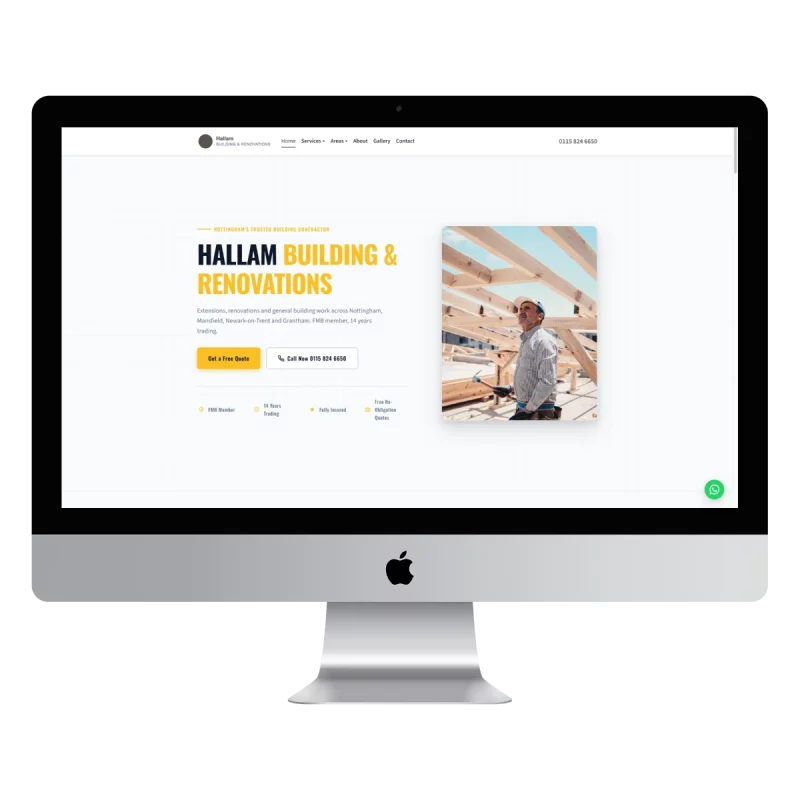
Reviews and accreditations can be shown clearly on your website, alongside your services, areas covered and contact details.
I build and manage professional websites for UK trades businesses for £49 a month.
That includes:
- A custom trade website
- Mobile-friendly design
- Reviews and accreditations shown clearly
- Local Google setup
- Direct enquiry forms
- Hosting and updates
- SSL security
- A domain registered in your name, if needed
There is no upfront cost, no minimum term and no complicated technical work for you to handle. You can cancel anytime.
I build your site personally, usually within seven days. You see a full preview before paying anything, so you can request changes or decide it is not right for you.
You can see the full details on the Trade Sites UK pricing page.
It is not a promise that every website will reach a particular position or generate a fixed number of enquiries. Results vary by area, competition, reviews and the services you offer. The aim is simple: give local customers a clear reason to trust you and an easy way to contact you directly.
Frequently asked questions
How many reviews do I need?
There is no fixed number that guarantees more work. Start by building a steady, genuine review history rather than chasing a particular total.
A business with 20 detailed and recent reviews may look more trustworthy than one with 100 reviews from several years ago. Compare your profile with other local businesses offering the same service and work towards having a complete, active presence.
Can I ask customers for reviews?
Yes. You can ask customers to leave an honest review after a genuine job. Make the request clear and provide a direct Google review link or QR code.
Do not offer discounts, gifts or other incentives in exchange for a review. Do not ask only for positive reviews or pressure customers to change negative feedback.
Should I show reviews on my website?
Yes. Your website is where many customers decide whether to contact you, so reviews should be easy to find.
Use genuine comments, include useful context such as the job type and town, and link to the full review profile where possible. Reviews work best alongside clear services, contact details and evidence of your qualifications.
What do I do about a bad review?
Reply promptly, stay calm and keep the response factual. Acknowledge the concern, apologise if appropriate and invite the customer to discuss the matter privately.
If the review appears to break the platform’s rules, report it through the proper process. Do not respond with personal attacks or disclose private information.
The practical takeaway
You do not need to become a marketing expert to make reviews work harder.
Ask at the end of the job. Send the direct link. Ask every customer. Reply professionally. Then make sure your website displays the evidence clearly.
You may already be doing the work that earns trust. Start collecting and showing the proof.