
If someone needs a ceiling skim, a rendered wall or an Artex ceiling removed, they will often search online before they call anyone.
That does not mean they need a complicated website. They need to see that you do the right type of work, in their area, to a proper standard. They also need an easy way to contact you.
This is where most plasterer websites fall short. They say “professional plastering services”, show one stock photograph, list a phone number and leave the customer guessing.
That is not enough in a visual trade.
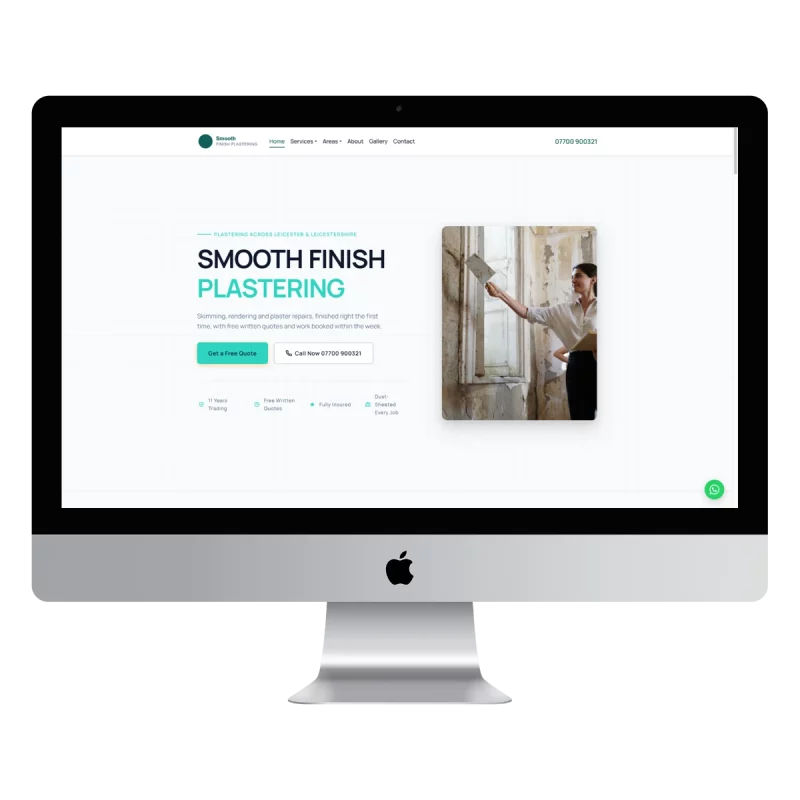
Good web design for plasterers should show the finish, explain the service in plain English and make it simple for a local customer to request a quote.
Why most plasterer websites fail to win trust
Plastering is different from many services because the result is visible. Customers are not just buying your time. They are putting smooth walls, clean corners and even ceilings in their home.
They want proof.
A visitor to your website is usually asking:
- Have you done this type of work before?
- Does your finish look clean and even?
- Do you cover my area?
- Will you turn up and give me a proper quote?
- Can I contact you quickly?
If your website does not answer those questions, the customer may leave and check the next plasterer.
The common problems are simple:
- No gallery of completed work
- No before-and-after photos
- No named service pages
- No clear list of areas covered
- A contact form that is difficult to use on a phone
- Vague wording such as “all aspects of plastering”
- No reviews, insurance details or other trust signals
The issue is not always the quality of the plastering. Often, the website simply fails to show it.
What should a plastering website include?
A useful website for plasterers does not need dozens of pages. It needs the right pages, written around the jobs customers actually search for.
1. A clear homepage
Your homepage should explain three things quickly:
- What you do
- Where you work
- How customers can contact you
For example:
Plasterer in Lincoln offering skimming, rendering, Artex removal and plaster repairs.
That is clearer than a headline such as “Quality workmanship you can trust”.
Your homepage should also include a prominent phone button, a short introduction, your strongest photos and links to your main services.
2. Individual service pages
“Plastering” is too broad on its own. Customers search for specific jobs, and Google needs clear information to match those searches.
A strong plastering web design structure could include:
- Wall and ceiling skimming
- Full house re-plastering
- External rendering
- Artex removal and overboarding
- Dry lining and partition walls
- Damp and patch repairs
- Coving and decorative plastering
- Commercial plastering
Each page should explain what the service involves, when someone might need it and what areas you cover.
Keep the language straightforward. A customer may not know the difference between dry lining and plasterboard, so explain it rather than filling the page with trade terms.
3. A gallery
Your gallery is often more persuasive than another 500 words about your experience.
Show:
- Smooth skimmed walls
- Finished ceilings
- Clean corners and reveals
- External render
- Artex removal
- Repair work
- Rooms ready for decorating
- Before-and-after results
A customer should be able to look at your gallery and picture the finished job in their own home.
Why the gallery matters more than clever copy
Good copy helps Google understand your website. Your gallery helps a customer decide whether they trust you.
That distinction matters.
A customer may not read every paragraph about your process, but they will notice a poor finish in a photograph. They will also notice whether the images look real or have been taken from a stock library.
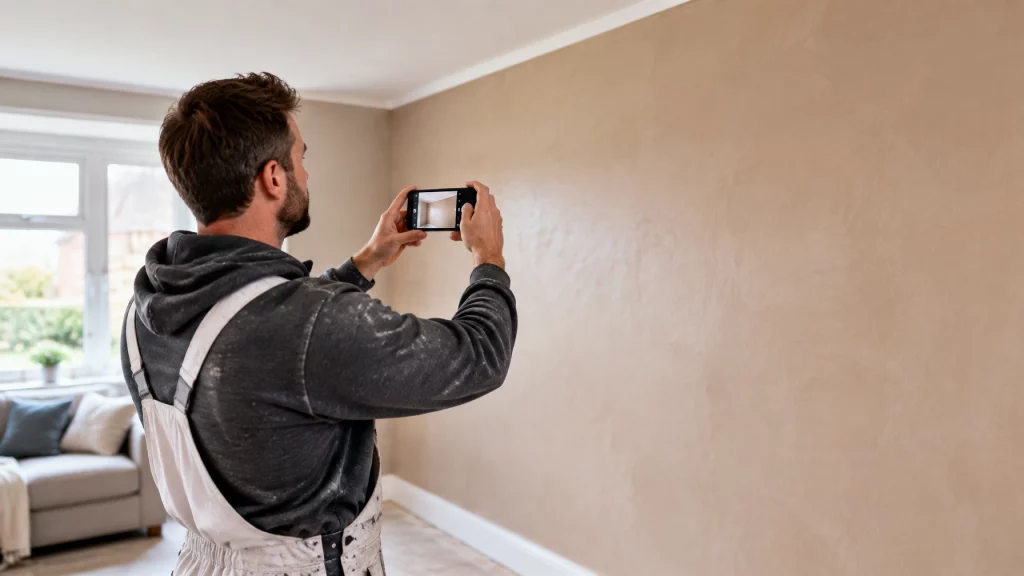
You do not need an expensive camera. A modern phone is usually enough if you use it properly.
How to photograph plastering work on your phone
- Clean the room before taking the picture.
- Take photographs in daylight where possible.
- Turn on lights if they help show the finish.
- Hold the phone straight rather than pointing sharply upwards or downwards.
- Take wide shots to show the whole room.
- Take close-ups of corners, ceiling lines and difficult areas.
- Photograph the same angle before and after where possible.
- Avoid people, tools and dust covering the finished surface.
- Do not use heavy filters that change the colour of the wall.
Soft daylight is especially useful because it shows whether a wall is smooth and even. Strong side lighting can also reveal imperfections, which makes it valuable for showing the quality of a finished surface.
Add a short caption to each image. For example:
Full re-skim of a three-bedroom hallway in Grantham, ready for decorating.
That gives the image context and adds useful information about your work.

Local pages should be useful, not copied
A plasterer’s website should make it obvious where the business works.
An “Areas we cover” page can link to proper local pages for towns such as:
- Plasterer in Boston
- Plasterer in Chesterfield
- Plasterer in Doncaster
- Plasterer in Lincoln
- Plasterer in Nottingham
- Plasterer in Sheffield
You can see the full list of plasterer areas.
However, local pages should not just repeat the same paragraph with a different town name. Each page should mention relevant services, the type of properties you work on and genuine details about the area you serve.
It is better to have five useful local pages than twenty thin pages that say almost nothing.
Your Google Business Profile should match the website. Keep your business name, phone number, services and service areas consistent. Add recent job photos and ask satisfied customers for reviews that mention the work completed.
For more detail, see our guide to ranking a trades website locally.
Make the website work properly on a phone
Many plastering enquiries will come from someone standing in a room looking at a cracked ceiling or unfinished wall.
They may search on their phone, compare two or three businesses and call the one that looks easiest to deal with.
Your website should therefore include:
- A click-to-call phone number
- A short enquiry form
- Clear service menus
- Fast-loading photos
- Large, easy-to-tap buttons
- A simple way to request a quote
- No unnecessary pop-ups or complicated steps
The site should work properly before you worry about decorative effects. Clear beats clever.

Write FAQs in the customer’s own language
An FAQ section can help customers and give Google clear answers to common searches.
Use questions people might actually type or say:
How much does plastering cost?
The price depends on the size of the area, the condition of the existing surface, preparation work, access and the finish required. Send photographs or request a visit for a proper quote.
Can you plaster over Artex?
Often, yes. The best approach depends on the condition and depth of the Artex. It may be possible to apply a suitable coating, while other ceilings may need overboarding or removal.
Do you plaster ceilings as well as walls?
Yes, if ceiling skimming is one of your services. Say this clearly on the website rather than assuming customers will know.
How long does a room take to plaster?
This depends on the size of the room, preparation and drying requirements. A small room may take less time than a larger or heavily damaged space.
Do you do external rendering?
If you offer rendering, give it a dedicated page. Explain whether you handle repairs, full-house rendering or particular render systems.
Which areas do you cover?
List your main towns and nearby areas clearly. Do not claim to cover places you do not normally work in.
Keep each answer short and direct. A clear question followed by a clear answer is easier for customers, Google and voice or AI search tools to understand.
What does plasterer web design cost in year one?
Price matters, especially if you have been quoted a large upfront fee or are already paying for shared leads.
Here is a straightforward comparison using published figures and simple year-one calculations.
| Option | Upfront cost | Monthly cost | Approximate year-one cost | What you receive |
|---|---|---|---|---|
| Agency website build | £500–£1,500 | Varies | £500–£1,500 before extras | Usually a one-off website build; hosting, updates and support may cost more |
| Lead platform | £0 in some cases | £300–£500 | £3,600–£6,000 | Leads may be shared with other businesses and are not owned by you |
| Trade Sites UK | £0 | £49 | £588 | Website, hosting, domain, SSL, local Google setup, updates and direct enquiry forms |
Some agencies charge more than £1,500, particularly for larger websites or ongoing SEO. The figures above are a useful comparison, not a fixed market price.
With Trade Sites UK, the price is £49 per month, with no upfront cost and no minimum term. The domain is registered in your name. Hosting, SSL, local Google setup and enquiry forms are included, with enquiries going directly to you.
You see a full preview before committing to continue. Results from Google vary depending on your location, competition, existing website and reviews. A website is not an instant guarantee of work.
It is, however, an asset you control rather than another month of shared leads.
You can see the full details on the trade website pricing page.
What actually wins plastering work in 2026?
The strongest websites for plasterers are not necessarily the most expensive or the most stylish.
They are the ones that make the decision easy.
They show real work. They name the services. They explain the areas covered. They work on a phone. They answer basic questions and give customers a direct way to get in touch.
That is the practical difference between a website that merely exists and one that supports your business.
If your current site has no gallery, vague service information or no clear local focus, it may be worth reviewing before spending money on more advertising. Start with the basics.
For a simpler approach, see our guide to website design for plasterers. You can request a free preview before paying anything.